Live video
HD webcam streams for up to six participants. Preview your camera and mic before you enter the room.
 Open MeetDeck
Create a short code, share the link, and talk with live video, screen share, and chat for up to six people, peer-to-peer.
No downloads. No account required to join. Works on desktop and mobile browsers.
MeetDeck is built for teams, clients, and classrooms who need a fast way to connect without installing apps or juggling meeting IDs.
HD webcam streams for up to six participants. Preview your camera and mic before you enter the room.
Share your screen from the in-call toolbar to walk through slides, demos, or documents in real time.
Send messages alongside video with a dedicated chat panel, useful for links, notes, or quiet side conversations.
Hosts generate a memorable code and shareable link. Guests join instantly with the code or by scanning a QR.
Media flows directly between browsers when possible, keeping latency low and reducing reliance on heavy server relay.
A focused interface with mic, camera, screen share, chat, and leave controls. No clutter, no learning curve.
Whether you are hosting a stand-up or joining a client review, MeetDeck keeps the flow lightweight.
Open MeetDeck in your browser and start a new room. You receive a short code and a link you can copy or share as a QR.
Send the link through email, chat, or calendar. Guests open it on any modern browser with no sign-up required to join.
Set your name, choose mic and camera settings, then enter the call. Use video, screen share, and chat with up to five others.
A dark, distraction-free interface keeps attention on the conversation, from the landing screen to the live call.
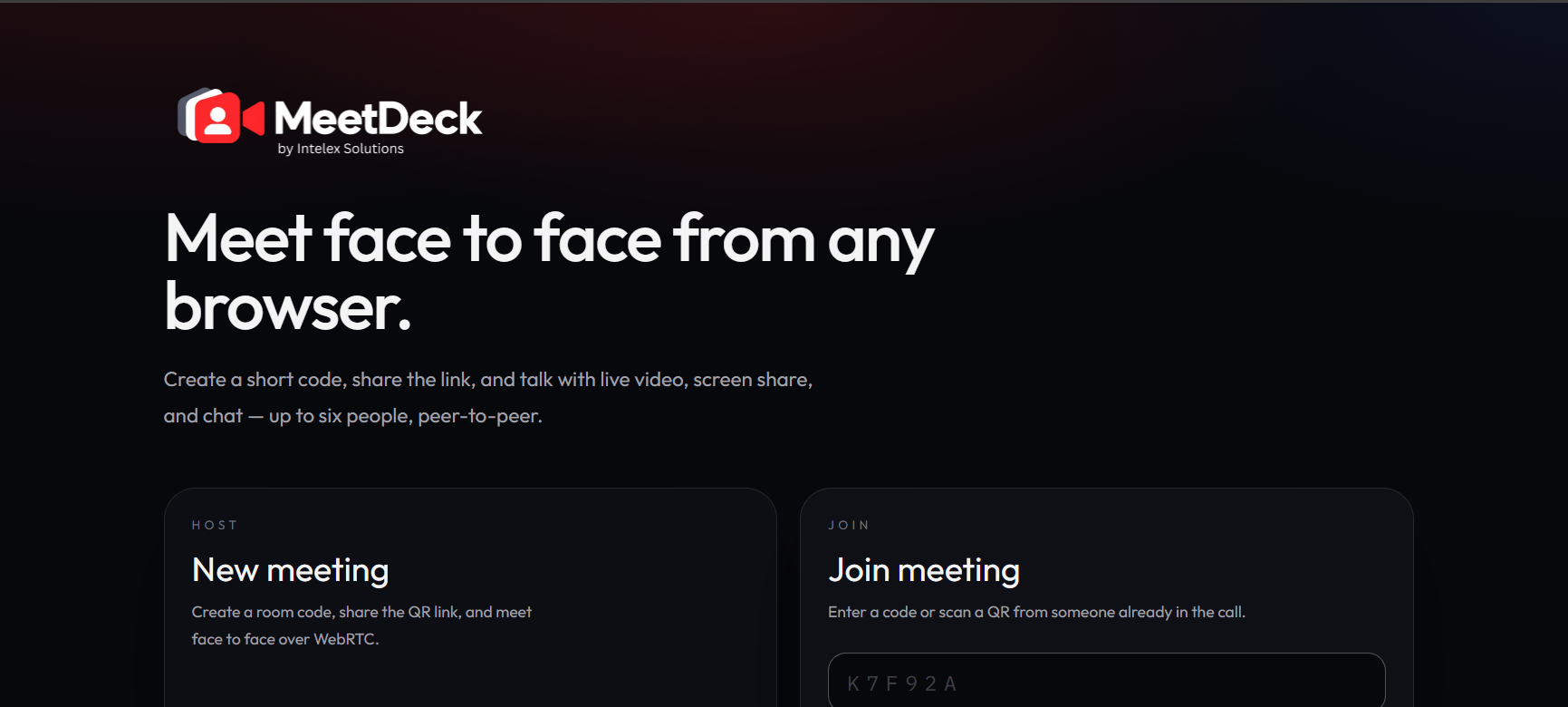
Start or join a meeting from a clean home screen. Host a new room or enter a code.
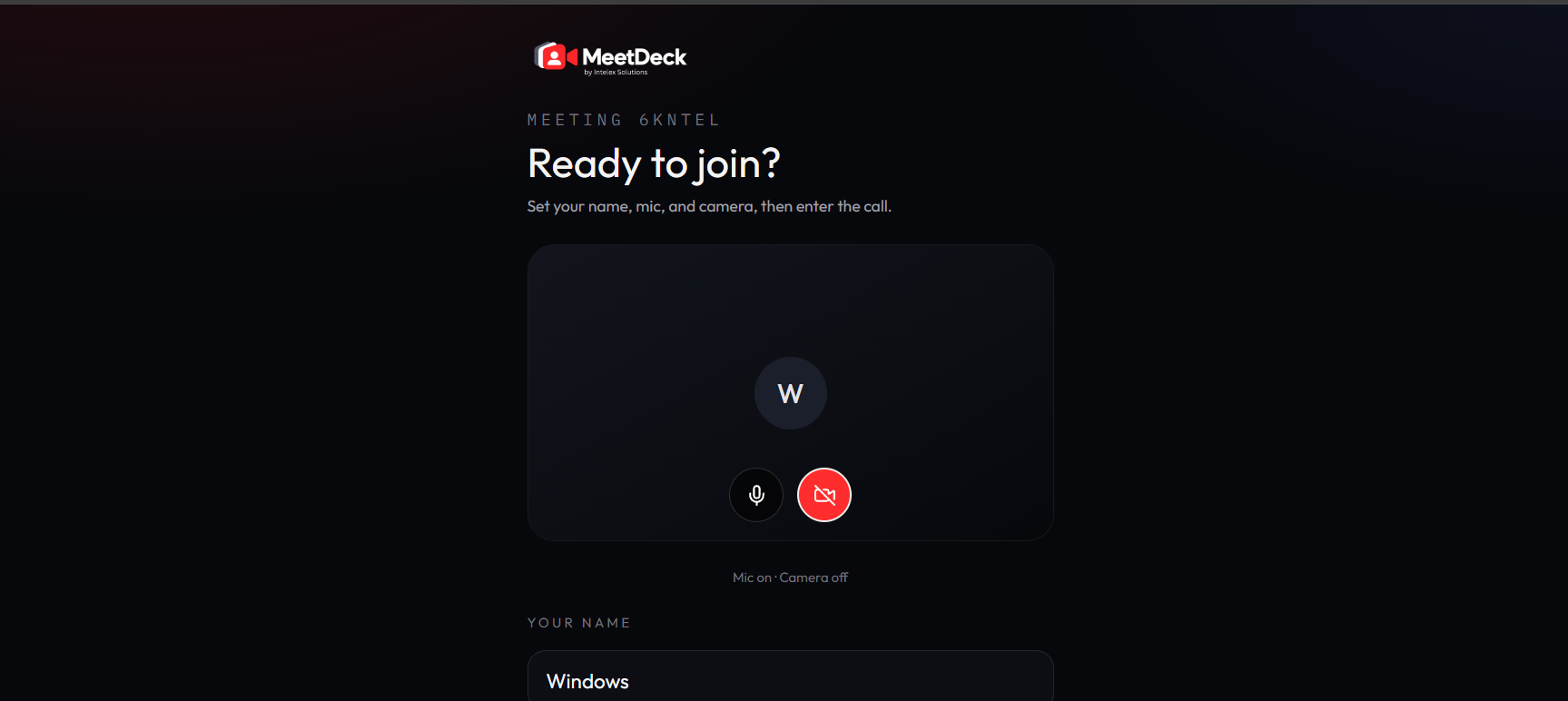
Check your mic and camera, set your display name, then enter when you are ready.
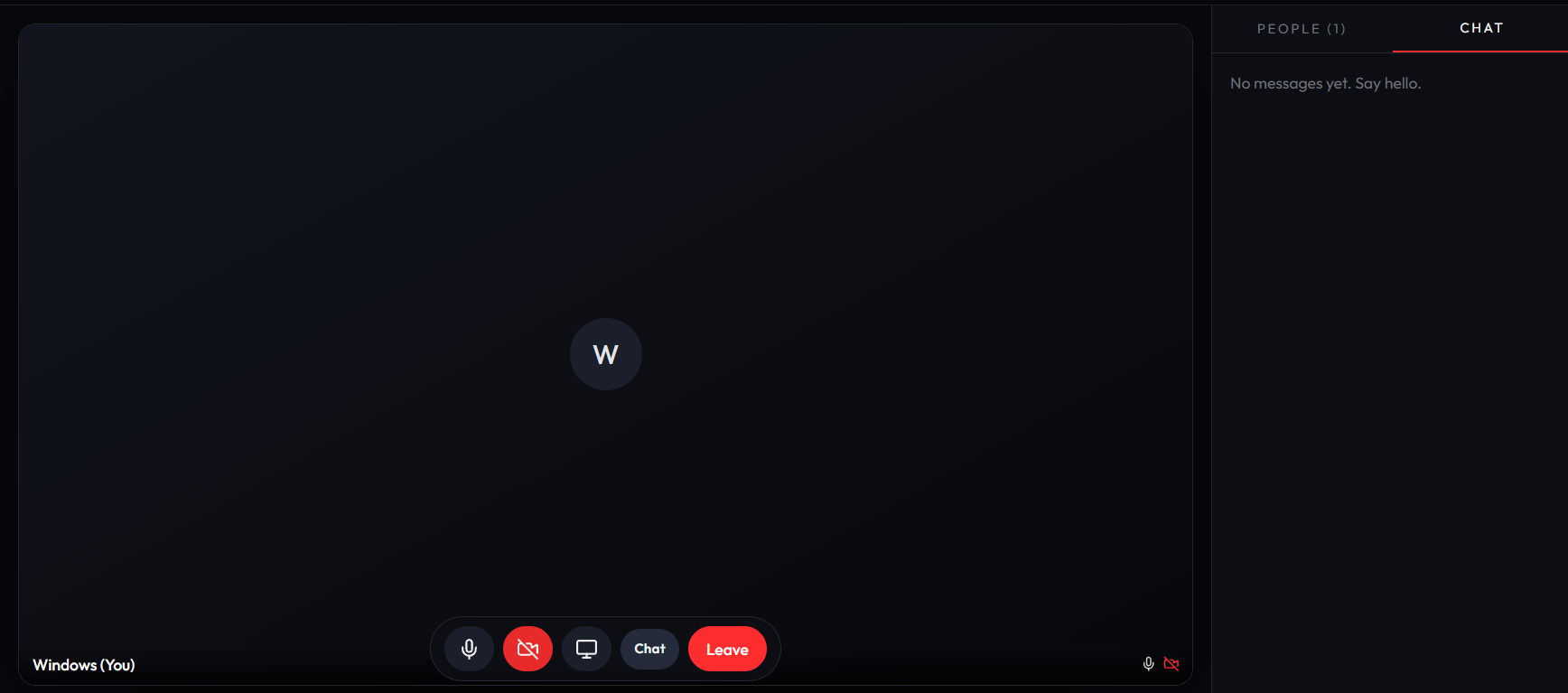
Stay in control with video tiles, screen share, people list, chat, and a one-click leave button.
MeetDeck is developed by Intelex Solutions as a lightweight alternative to heavyweight conferencing tools, ideal for small teams, interviews, tutoring, and quick syncs.
MeetDeck uses WebRTC for real-time audio and video between browsers, with a room-based flow powered by short codes. Screen sharing and chat run alongside the call so participants can collaborate without switching tools.
MeetDeck keeps meetings simple. Share a link, show up in the browser, and focus on the work that matters.
Open MeetDeck